
TourBox Elite Plus - A Photographer's Honest Review
TourBox Elite Plus Review
1. Introduction: What Is the TourBox Elite Plus?
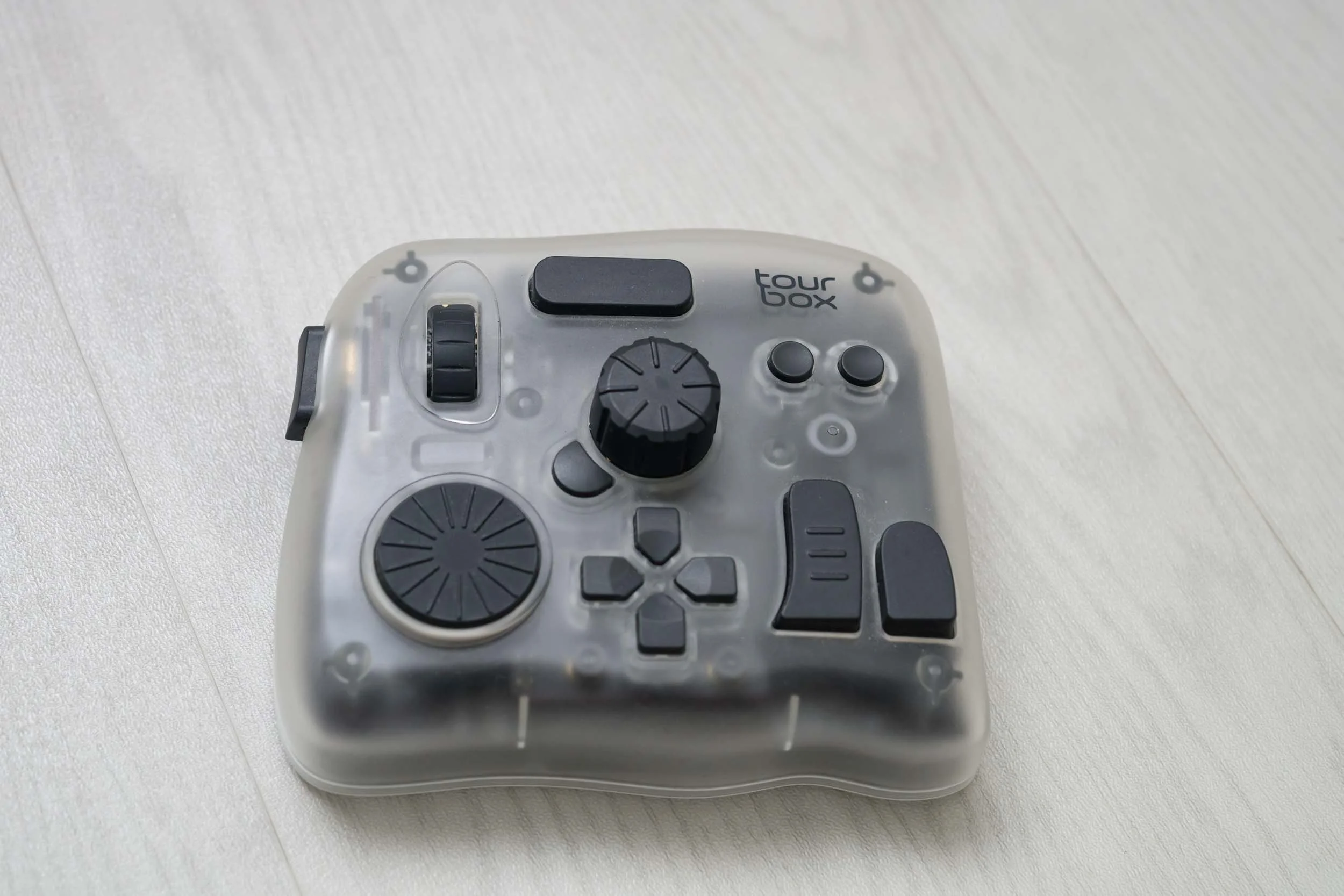
Looks a video game controller, but way more fun.
If you’re a professional photographer or content creator like me, you’re probably glued to your laptop when you’re not shooting. With countless hours poured into editing photos and videos, it makes sense to have the best editing setup to make our lives easier.
I must confess, I have a pretty decked out workstation already. I rock two 27” external monitors, a standing desk and expensive gaming chair. The part that actually interfaces between the computer and myself is ironically, the most boring part - an Apple Magic keyboard and a Razer mouse.
Full disclosure: this is a sponsored post and the device was sent to me for review. That said, I’ll keep my review honest and say that I’m currently not convinced it has a place in my workflow. Read on to find out why:
Enter the TourBox Elite Plus Pro. It’s an advanced wireless physical console designed to bridge that gap between human and machine.
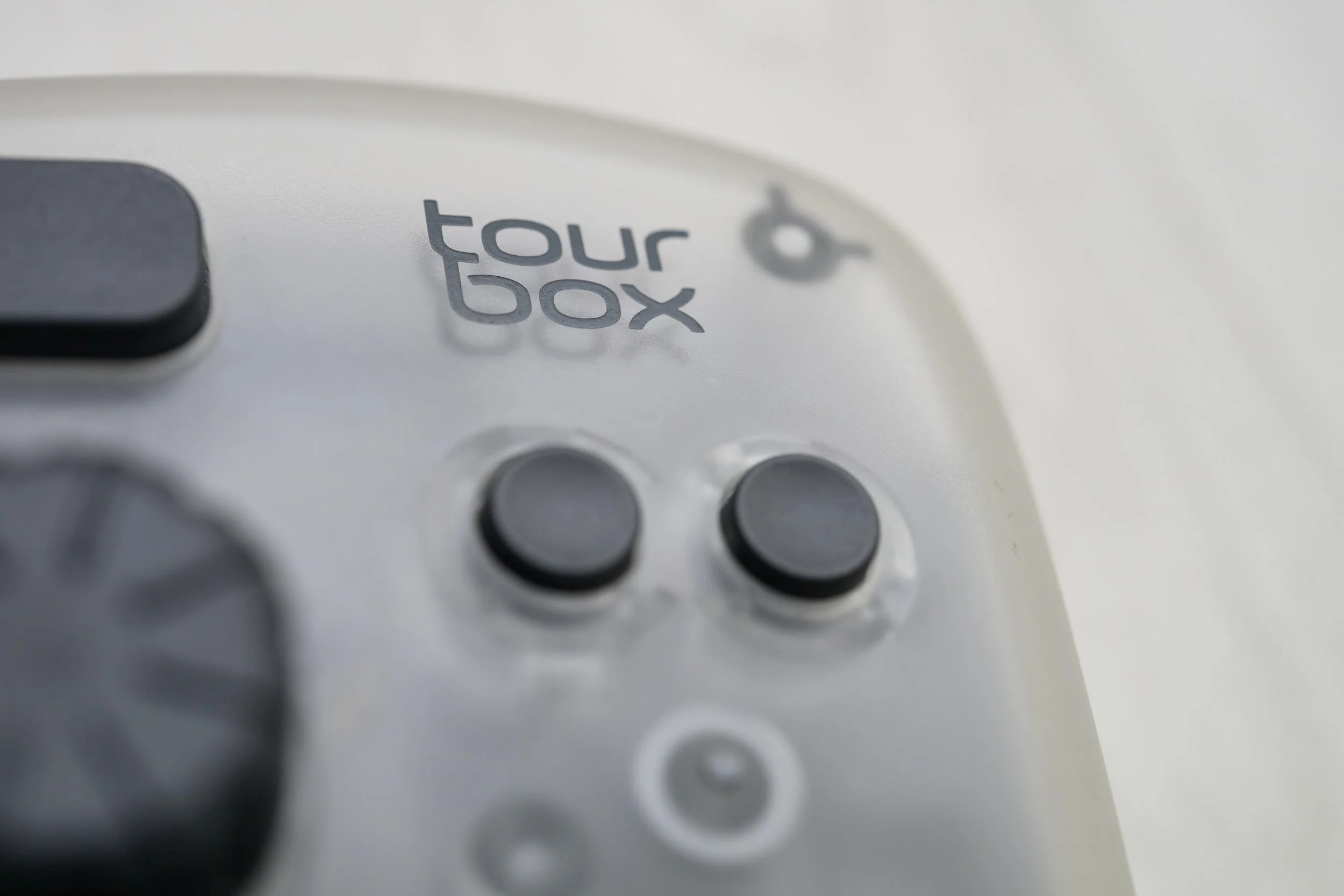
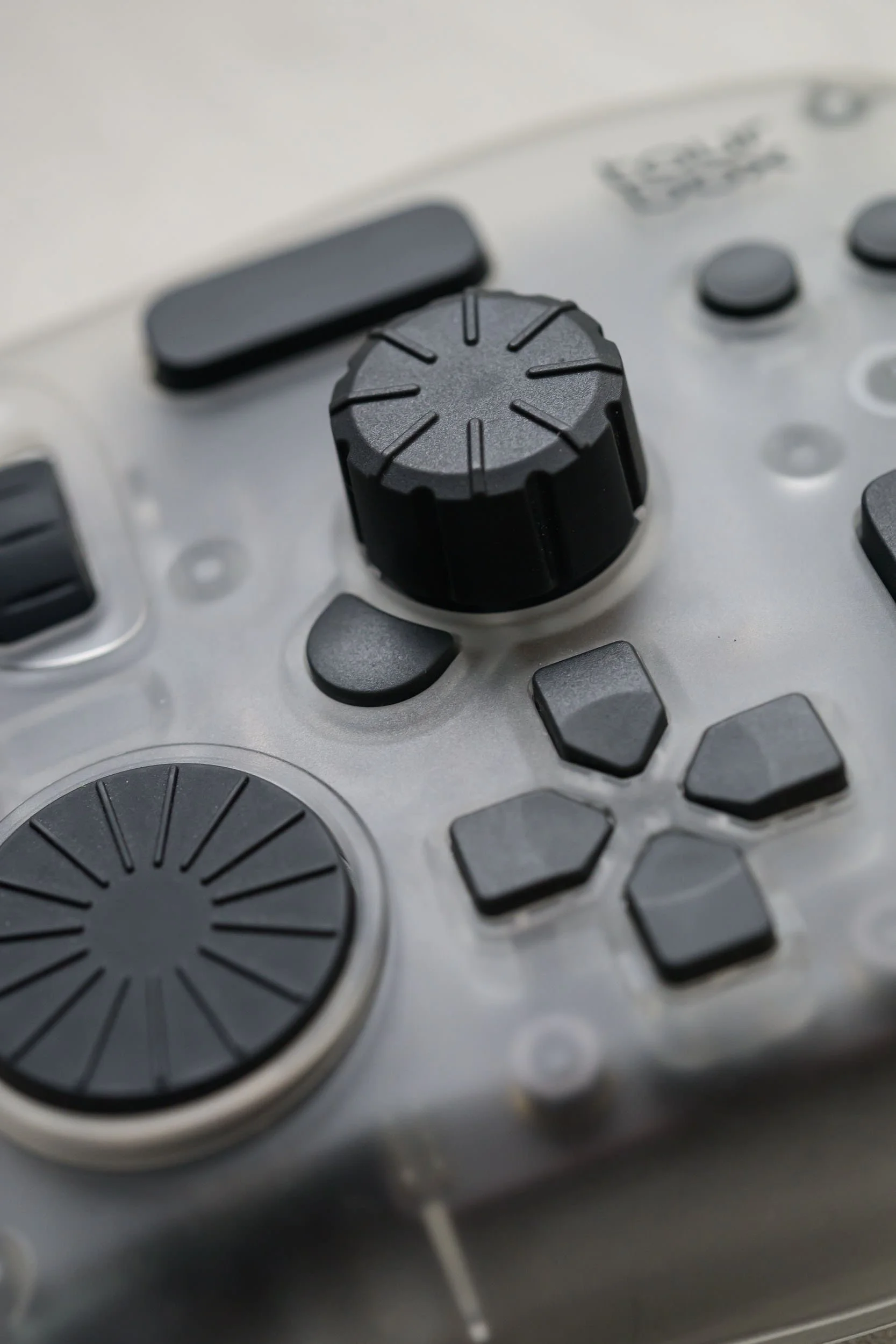
Built quality is better than expected. This thing is tough.
The TourBox Elite Plus is designed for a variety of creative professionals, but since I’m primarily a photographer, I’m going to focus on the photography aspect only.
This article seeks to answer one key question: Does a dedicated editing controller actually improve your workflow enough to justify adding another device to your desk?
2. What’s in the Box
TourBox Elite Plus Controller
USB-C Cable
Quick Start Guide & Safety Manual
Travel Storage Case (add-on)
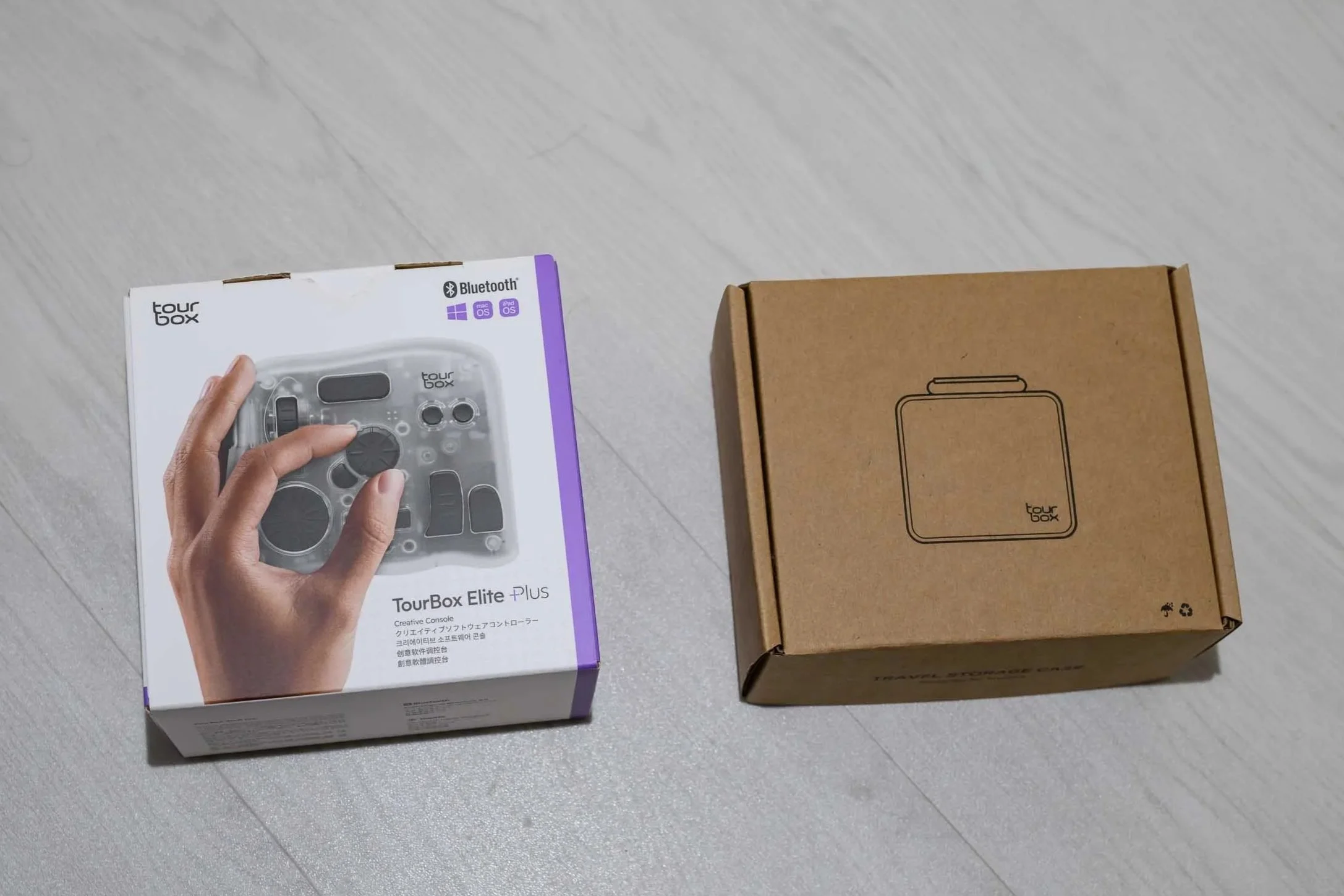
Thanks TourBox for sending this with the Travel Case
3. Design, Build Quality and Ergonomics
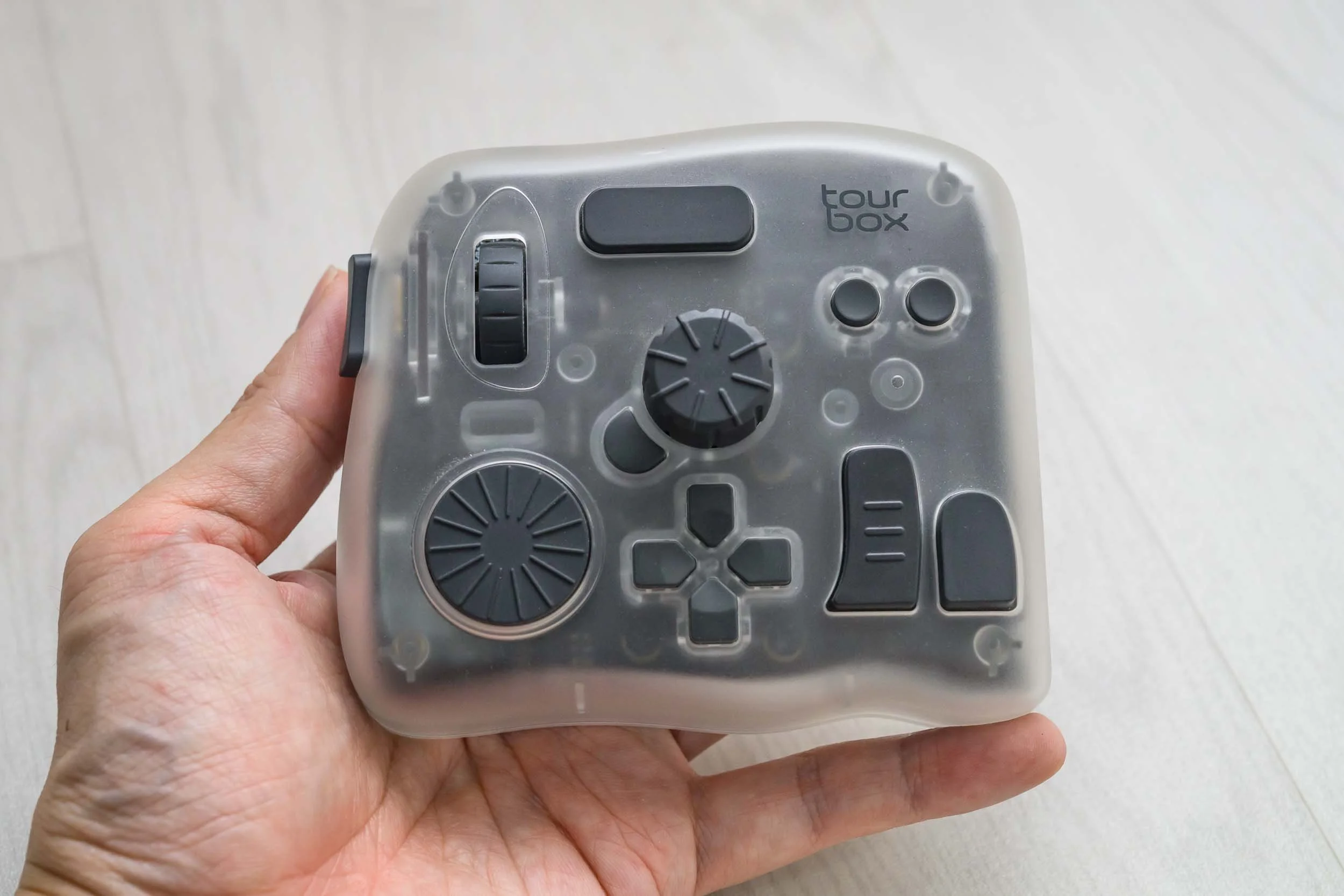
The first thing that hit me when I took the controller out was the weight. My initial thought was that it’s surprisingly heavy if you want to carry it around and use it remotely, but I quickly realised that it’s weight is necessary in order for it to be stable on a desk.
The TourBox Elite Plus Controller measures approximately:
Length: 116 mm
Width: 101 mm
Height: 44 mm
Weight: about 376 g
So, in practical terms, it has a compact, palm-sized footprint, but is fairly substantial in height and weight compared with a conventional mouse or editing controller.
The device itself feels tough and well constructed. It feels even more well-made than my PS 5 controller.
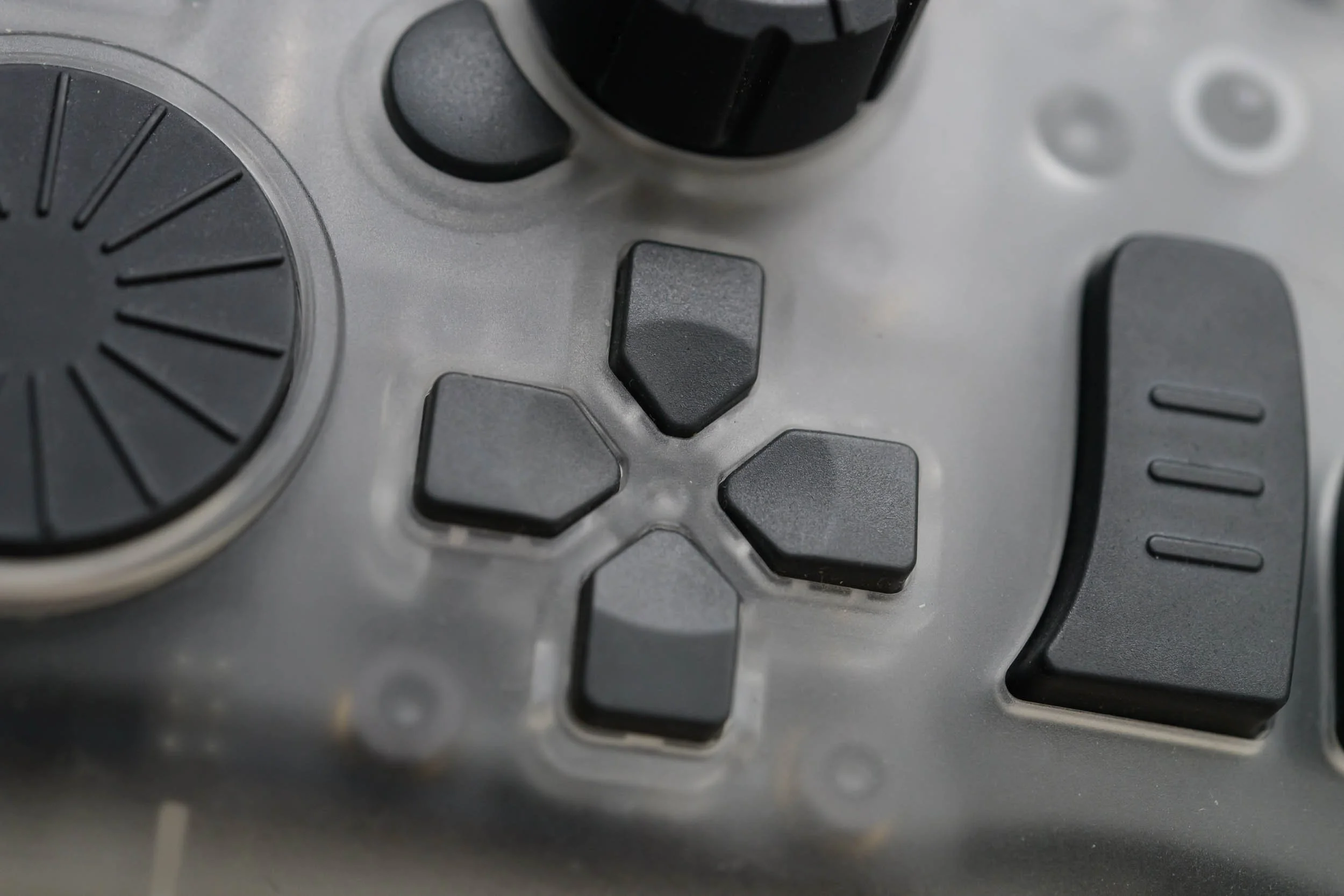
Up Down Left Right A Start
What really impressed me was when I powered it on, you get tactile feedback from different dials, scroll wheels and knobs. There are also audible sounds, combined with tactile feedback means that you can make precise adjustments without taking your eyes off the screen and looking down at the controller.
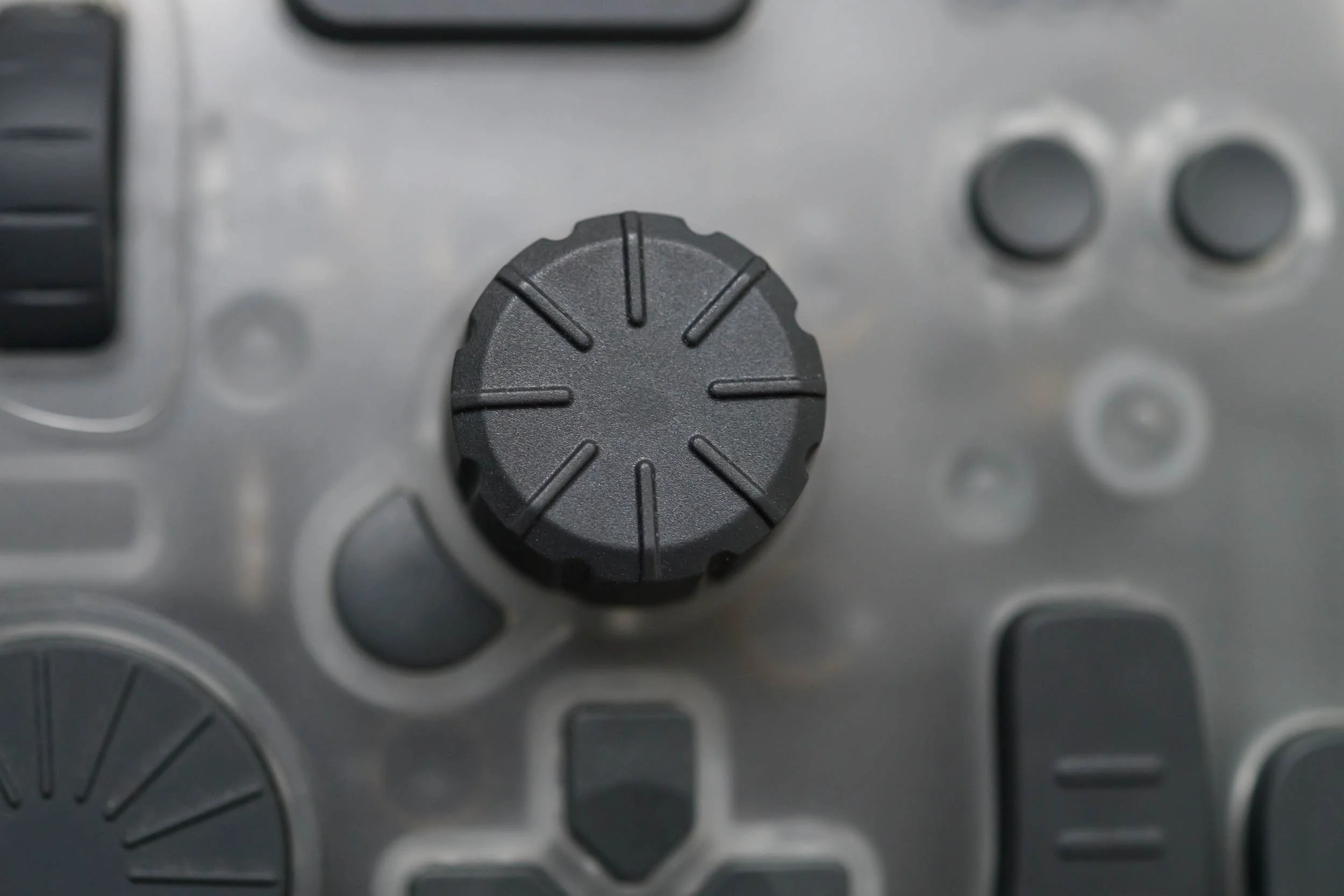
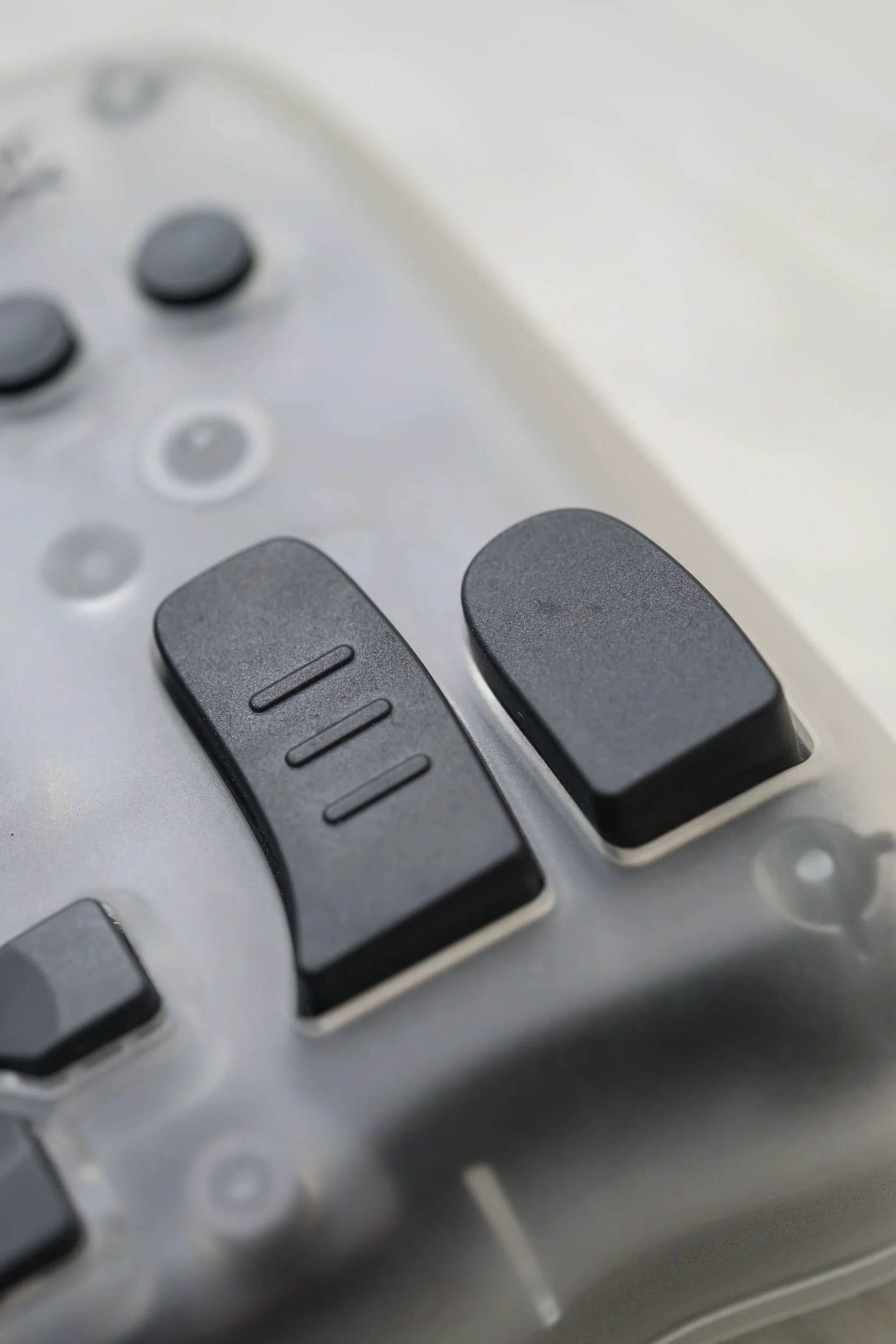
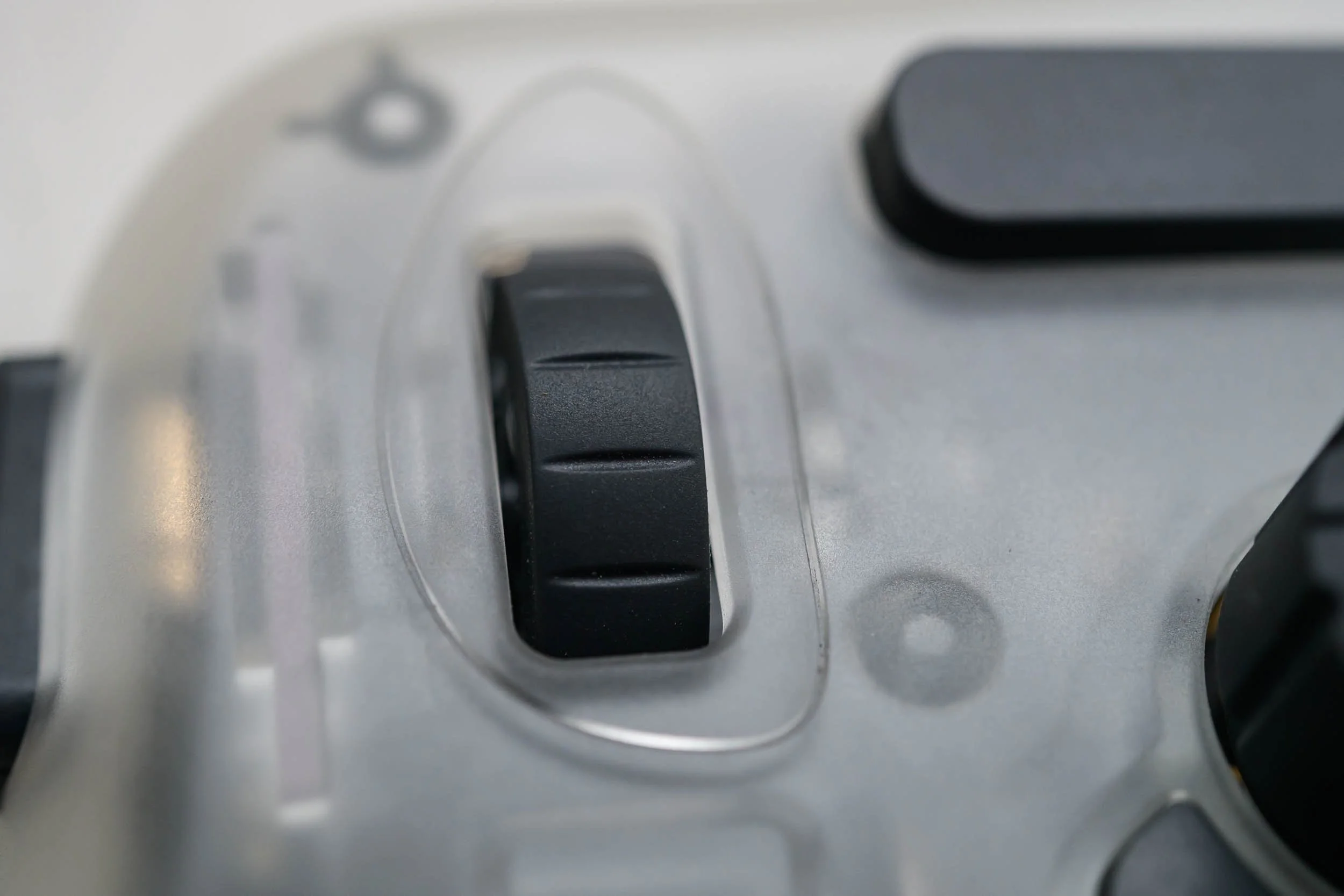
4. Buttons, Dials & Knobs
Here’s what you get with the TourBox Elite Plus controller.
Main dial / knob controls. (Clockwise/anti clockwise)
Scroll wheels. (Up/down)
D-pad.
Buttons and programmable keys.
Combination shortcuts and multi-function controls.
These controls designed to be are easy to distinguish without looking down at the controller.
5. Setup and TourBox Console Software
To me, the biggest hurdle with using a controller like this is getting used to the new buttons and dials. Thankfully, the TourBox comes with preset profiles for commonly used software like Adobe Photoshop, Lightroom, Final Cut Pro and more so that it’s usable straight out of box. If you don’t like any of the presets, you can always customise your own.
That’s not all the TourBox has to offer, you can even download user generated presets off their website: https://www.tourboxtech.com/en/
It’s easy to feel overwhelmed with the myriad of customisation options you get with the TourBox.
6. Customise Everything, or Not
The biggest advantage of the TourBox Elite Plus Pro is not simply the number of buttons, dials and controls packed into its compact body. It has the ability to map those controls to work around your own editing habits. Individual controls can be assigned to keyboard shortcuts and functions, while different profiles allow the same physical button or knob to behave differently depending on the application you are using.
This means a dial that adjusts exposure in Lightroom could control brush size in Photoshop, while the same button combination might perform an entirely different task when editing a video.
7. Real-World Photo Editing
As mentioned earlier, I’ll be focusing mainly on photography. Here’s a sample of what you can control in Adobe Lightroom.
Exposure
Highlights
Shadows
Whites and blacks
Contrast
White balance
Temperature and tint
Cropping
Zooming
Switching between images
Rating and flagging
Masking
Brush adjustments
Before/after comparison
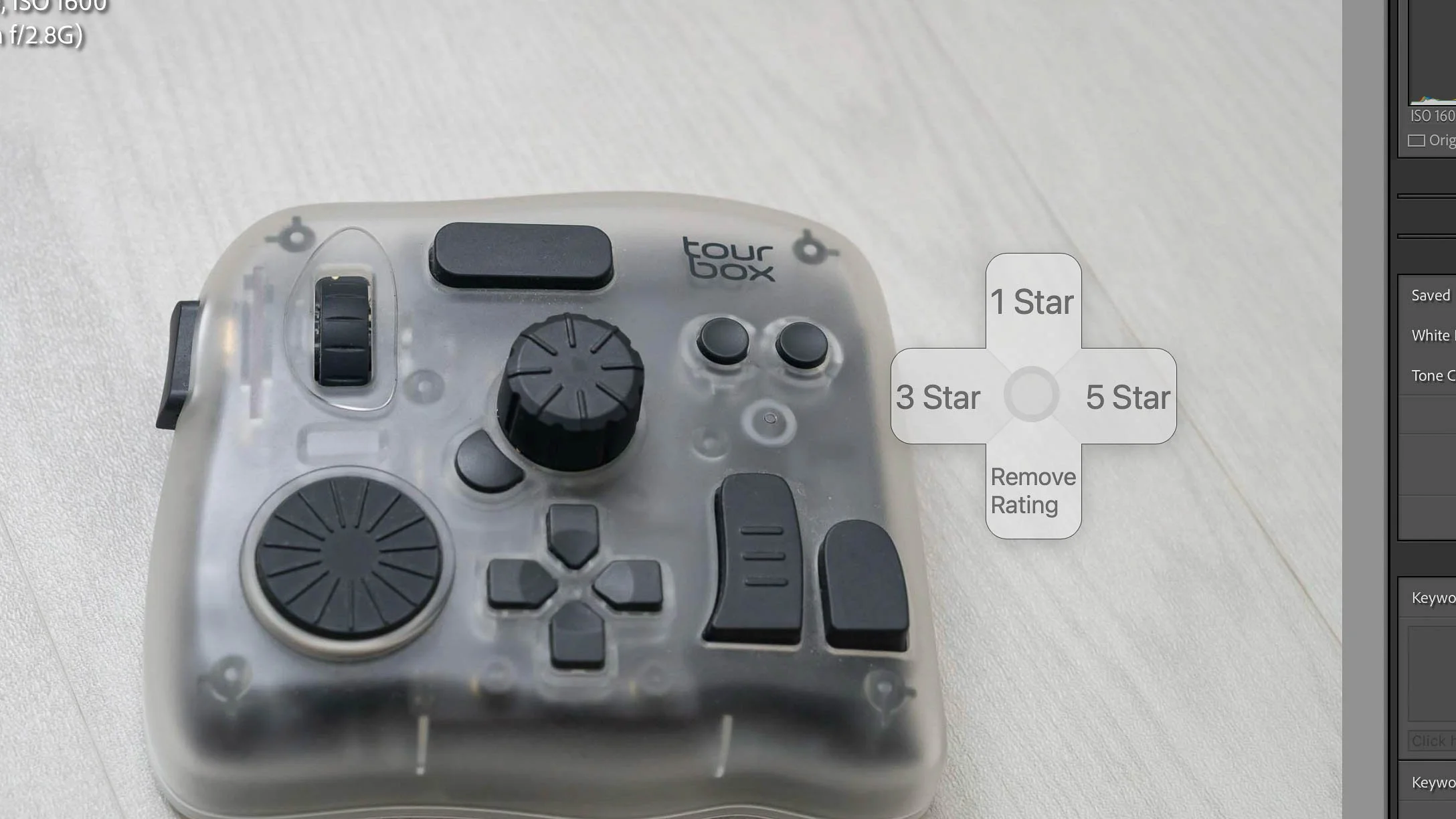
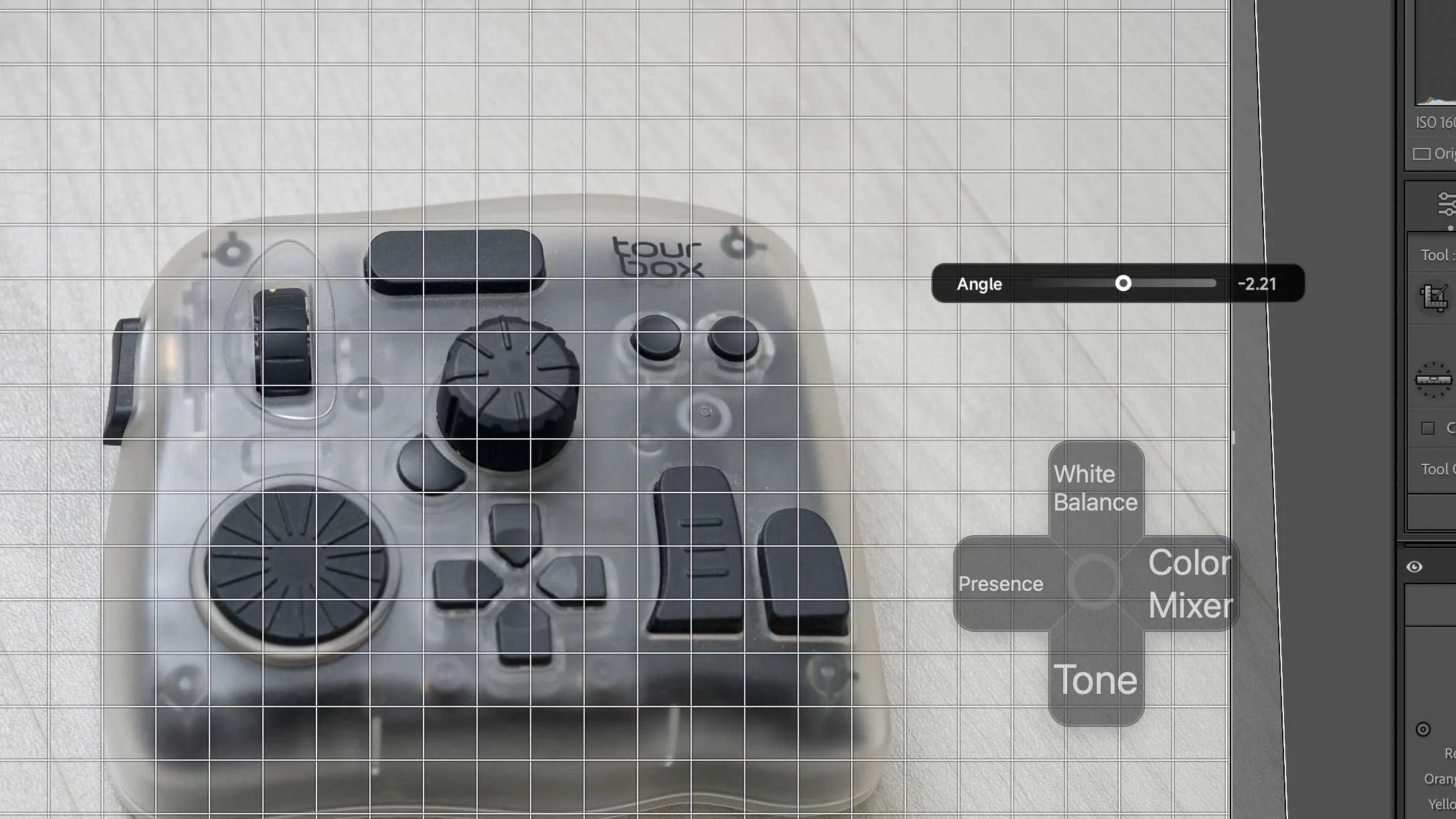
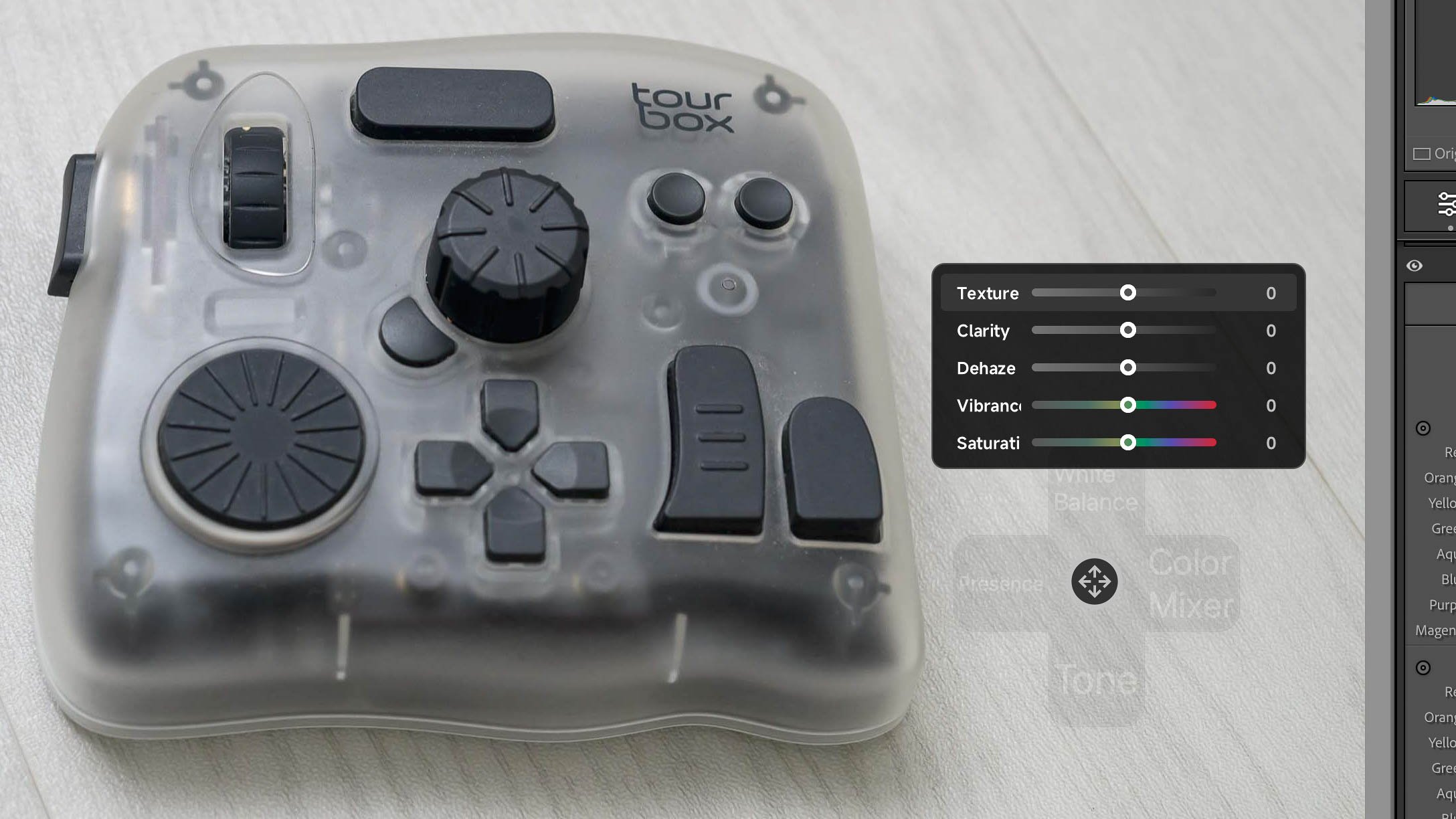
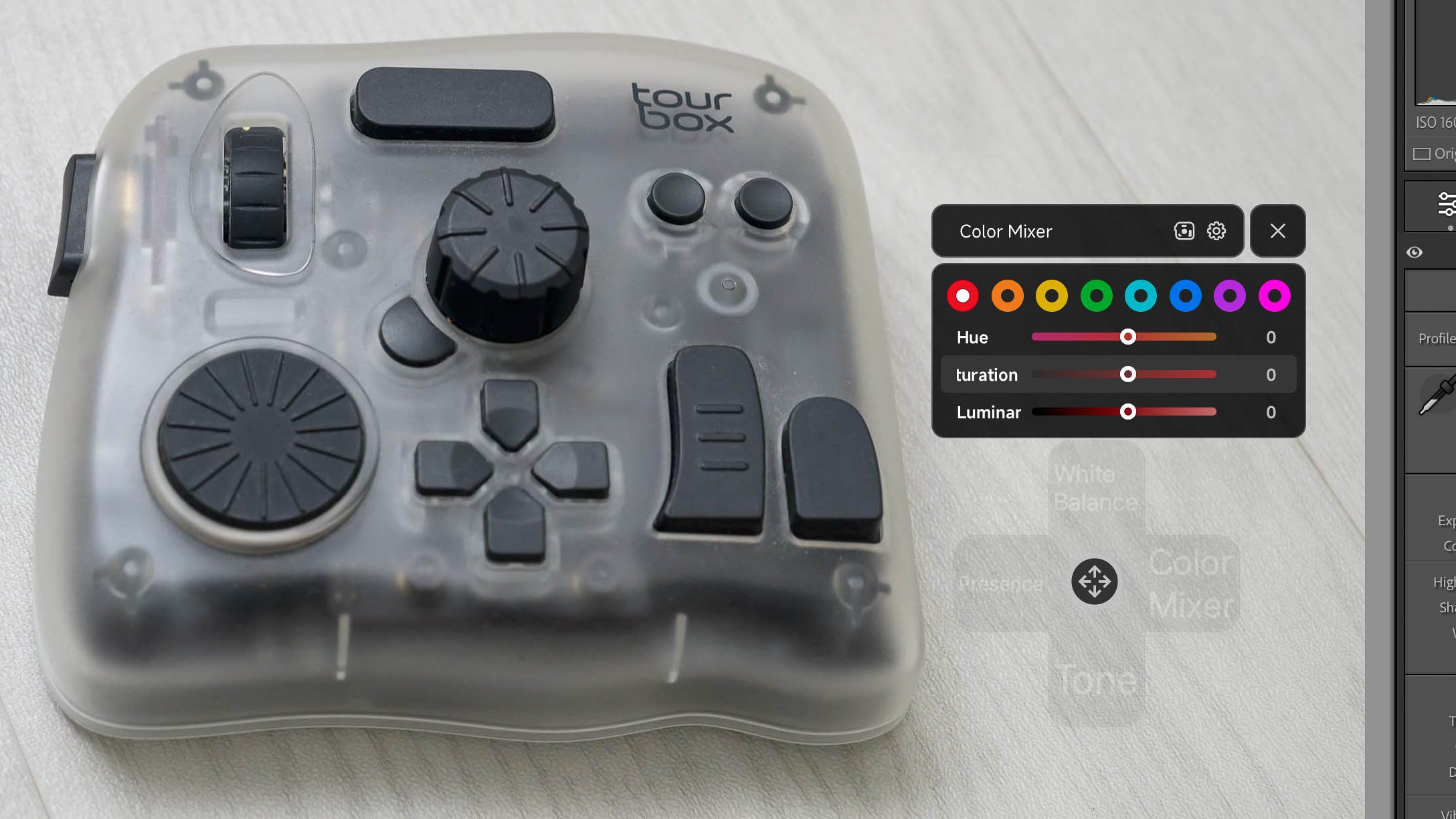
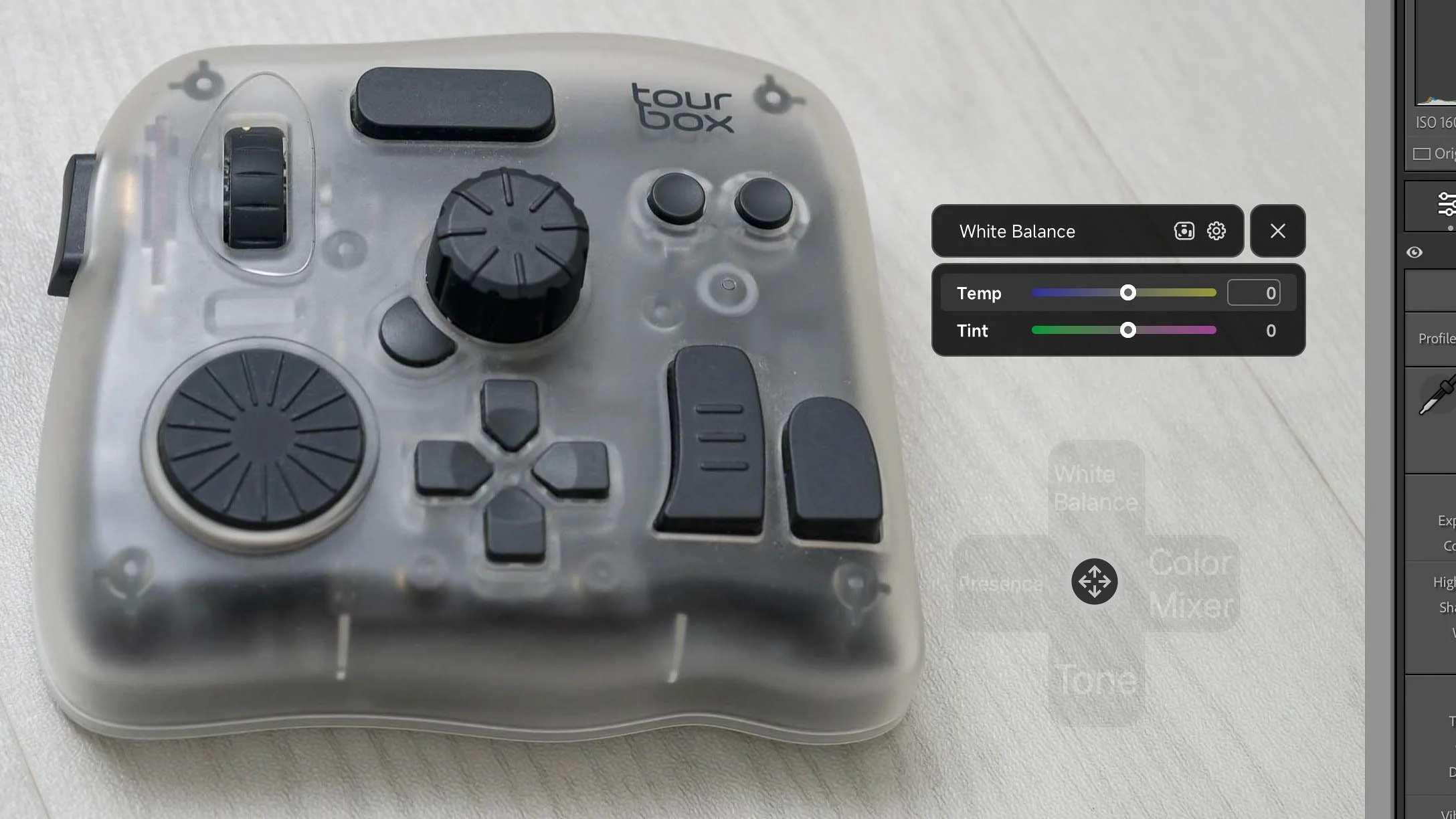
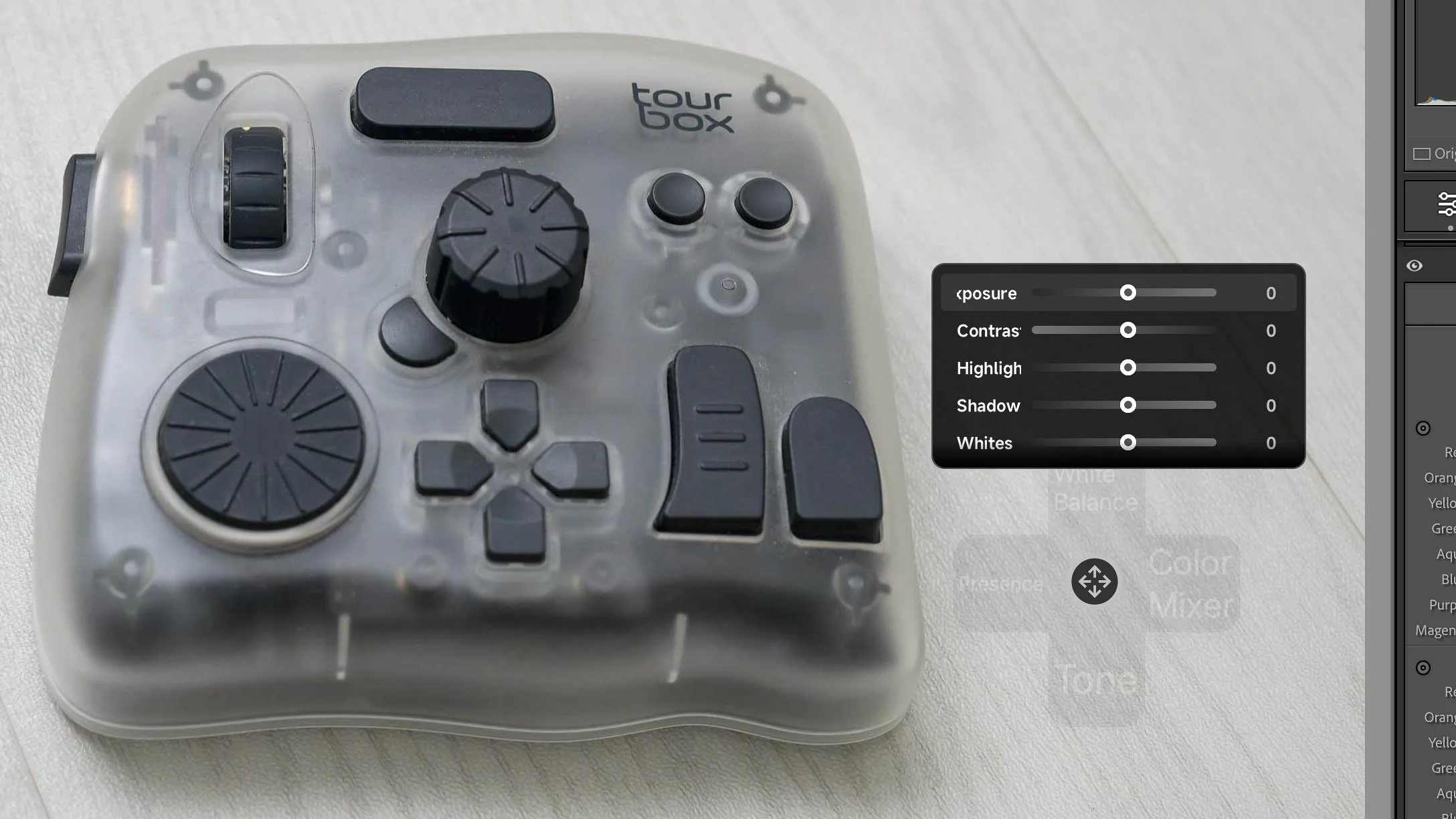
Personally I found myself reaching between 3 devices, the TourBox, my keyboard and mouse too often. It’s probably because I’m not used to the TourBox, but more on that later.
8. Wireless Performance
In my time with the TourBox Elite Plus, I found it delightfully responsive. The console switches automatically to Adobe Lightroom or Photoshop depending on which software is active on my computer. For a wireless device, latency is not an issue at all as adjustments appear to be applied in real time with no discernible lag. Its bluetooth connection jumps awake and activates within a few seconds once the device is turned on.
9. Conclusion: Does It Actually Make Editing Faster or Better?
When I set out to review this device, I had one main goal in mind. As photographers we traditionally edit with our mouse and keyboard. For this device to be have a place in workflow, I needed it to totally replace all the functions of either the mouse or keyboard in order for it to make sense. There’s absolutely no reason to have this device if my hands are still required to move between the mouse and keyboard.
Sadly, the answer is no. I found myself constantly still reaching for either my mouse or keyboard even with the TourBox Elite Plus controller.
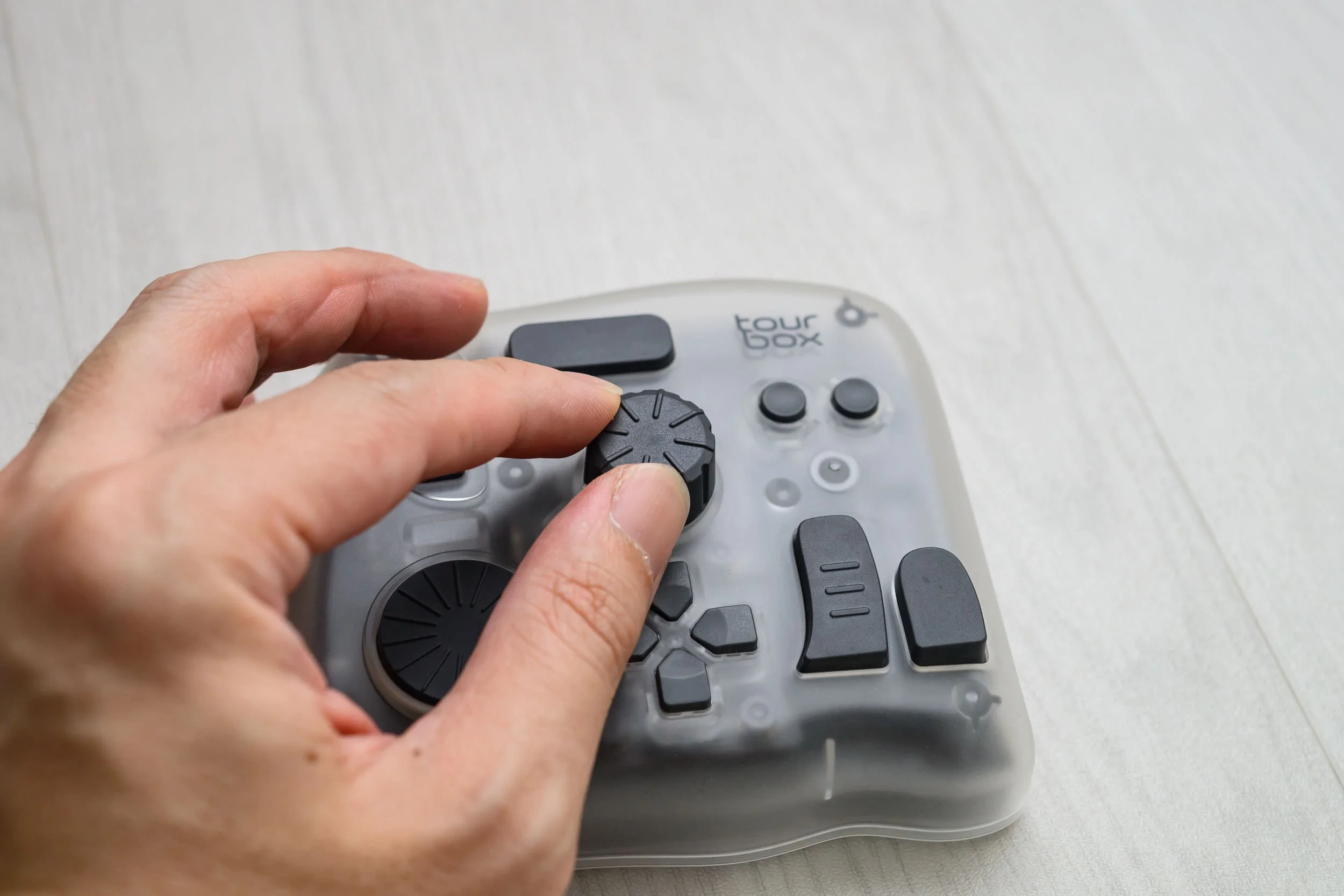
It does work as advertised, but perhaps not a good fit for my workflow.
In my workflow I use local masking adjustments very frequently. As far as I’m aware, there’s simply no way to accurately place down a radial or linear gradient as efficiently as with a mouse. The same goes for cropping. Although the TourBox allows you to hotkey controls to crop, to rotate, or even manipulate the size of the crop box, nothing beats using a mouse to simply select the area you want to crop.
In this aspect the TourBox Elite Plus feels fiddly. I find myself reaching between the mouse, keyboard and TourBox Elite Plus too often and it’s actually slowing down my workflow navigating between the three interfaces while trying to make an edit. I admit, it might be entirely possible that my experience with the TourBox could simply be a matter of getting used to it and being too stuck in my old-fashioned ways of mouse & keyboard.
Don’t get me wrong, it’s an excellent product which will be a wonderful gift or novelty item. It is tremendously well made and fun to use. But for a professional photographer who can’t do without his mouse and keyboard, this device does not fit well into my workflow. I do appreciate TourBox for their efforts for this collaboration.
If you’re interested to know more, check out their products here: https://www.tourboxtech.com/en/